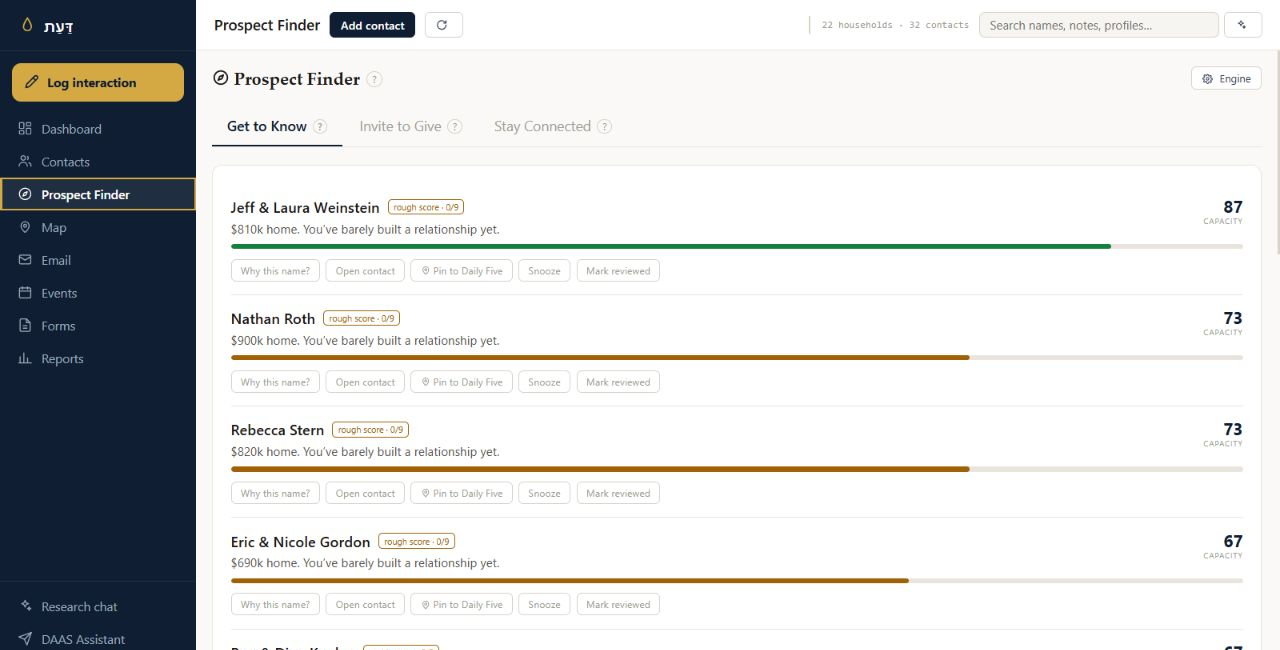
Prospect Finder
See where a relationship can grow.
See which relationships deserve stewardship, where someone’s giving may not reflect their capacity, and who is worth getting to know better.
DAAS is not a CRM you have to manage.
Manage every relationship. Capture every interaction.
Preview examples: Who are we reaching today? Draft an email to Hebrew school families. Who should I invite for Shabbos? Draft my High Holidays email. Send out an email about Hebrew school registration.
Contacts, conversations, events, giving, notes, tasks, and the small details that matter all belong in one place.
DAAS holds the entire history, and guides you on how to use it.
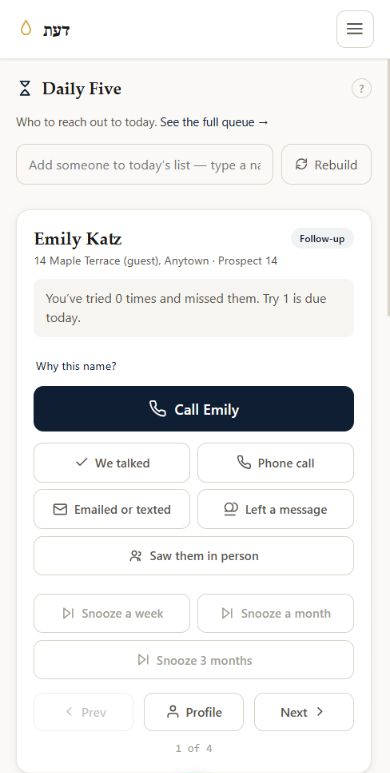
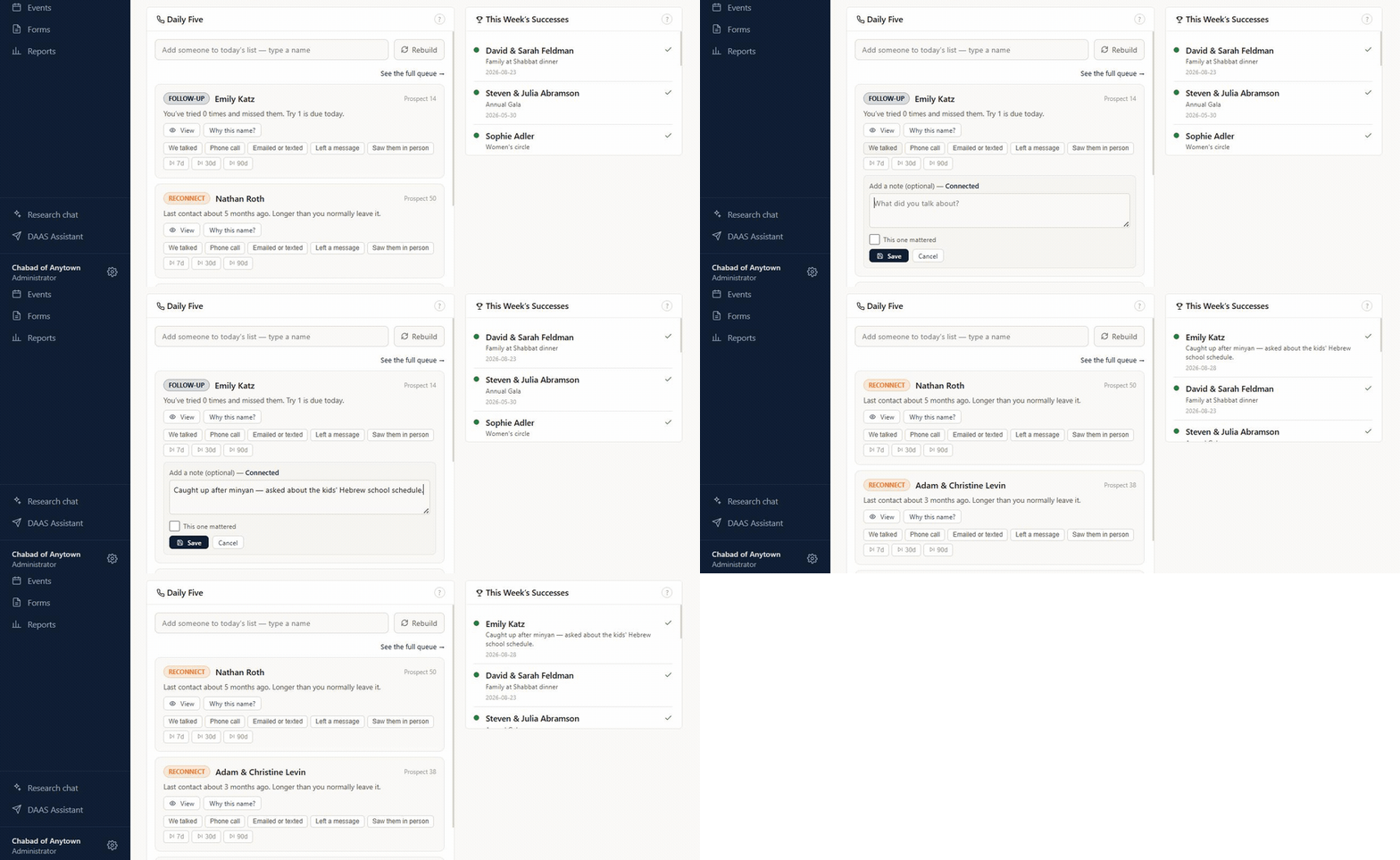
Each morning, DAAS gives you five people to reach out to, with a clear reason for each, and one tap to log how it went.
The real interface. Fictional Chabad of Anytown data. Explore the live demo ↗
See which relationships deserve stewardship, where someone’s giving may not reflect their capacity, and who is worth getting to know better.
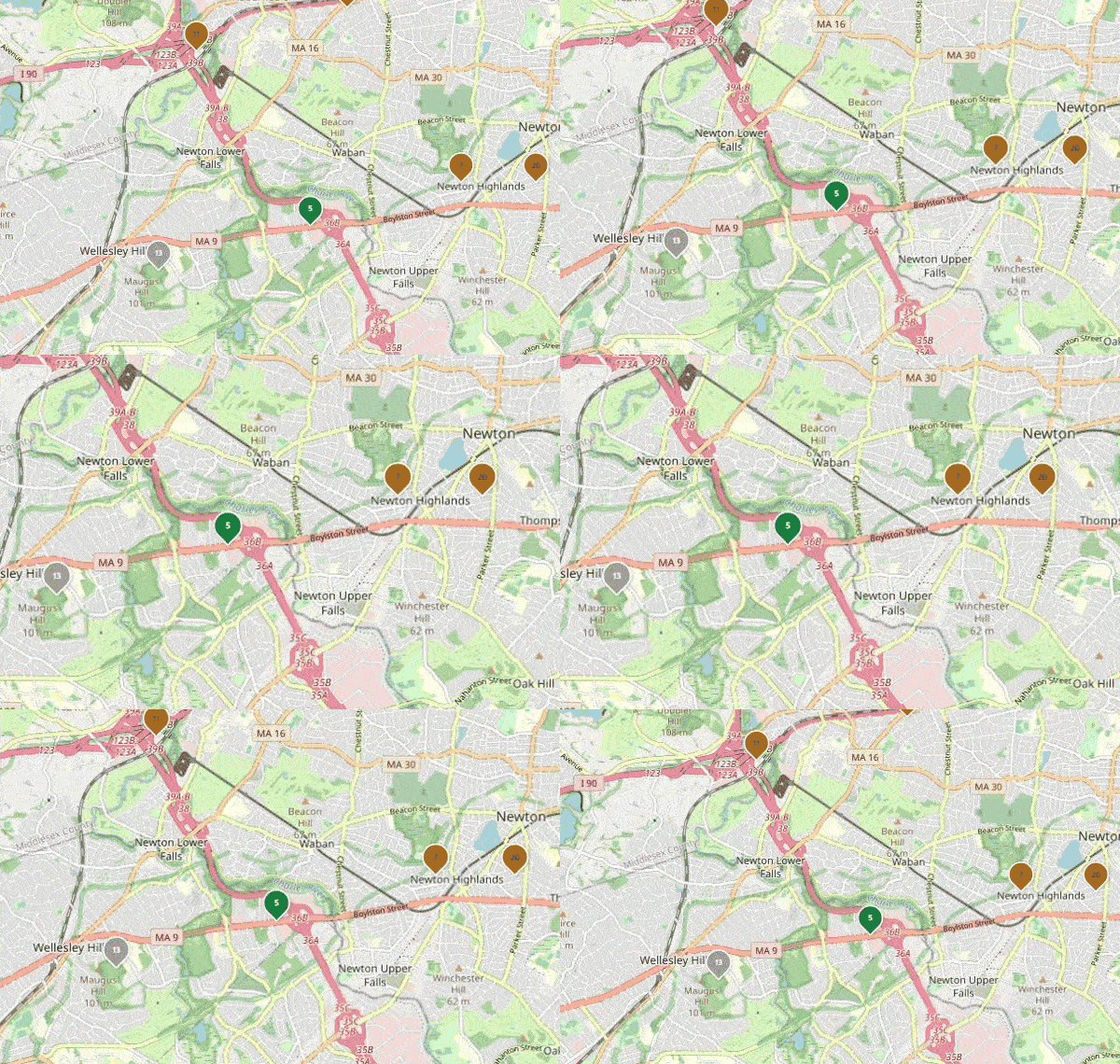
Browse your community, open a household, and see the history before you reach out.
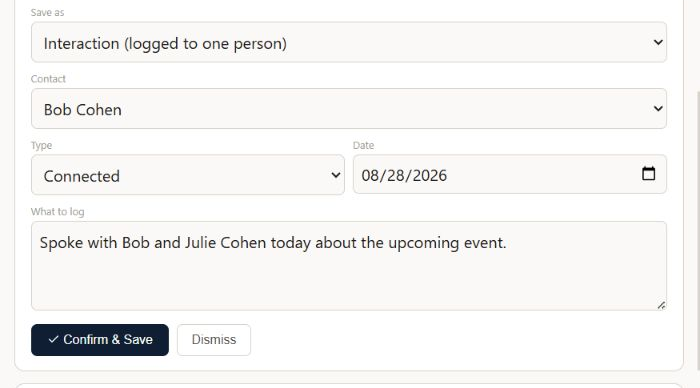
Record a voice note. Paste an email chain. Drop in a screenshot. Photograph the note on your desk. DAAS matches the information to the correct contact and records it correctly for you to review.
Record a voice note straight into DAAS to prepare an email, build a complicated search, or create an event. Describe what you need and DAAS opens the right tool with the work prepared.
You still review the audience, the wording, the details, and the result. Nothing sends or saves until you approve it.
Smart algorithms surface the right people every day without using your AI budget. AI is built in where it is useful, handling work like data entry and drafting emails while you stay focused on the relationship.
Daily Five, follow-ups, and Prospect Finder run on clear signals in your CRM. You can see why someone appears and decide what the right next step is.
Powered by your OpenAI API key, the technology behind ChatGPT, DAAS can organize information and prepare work for you. Nothing sends or saves until you approve it.
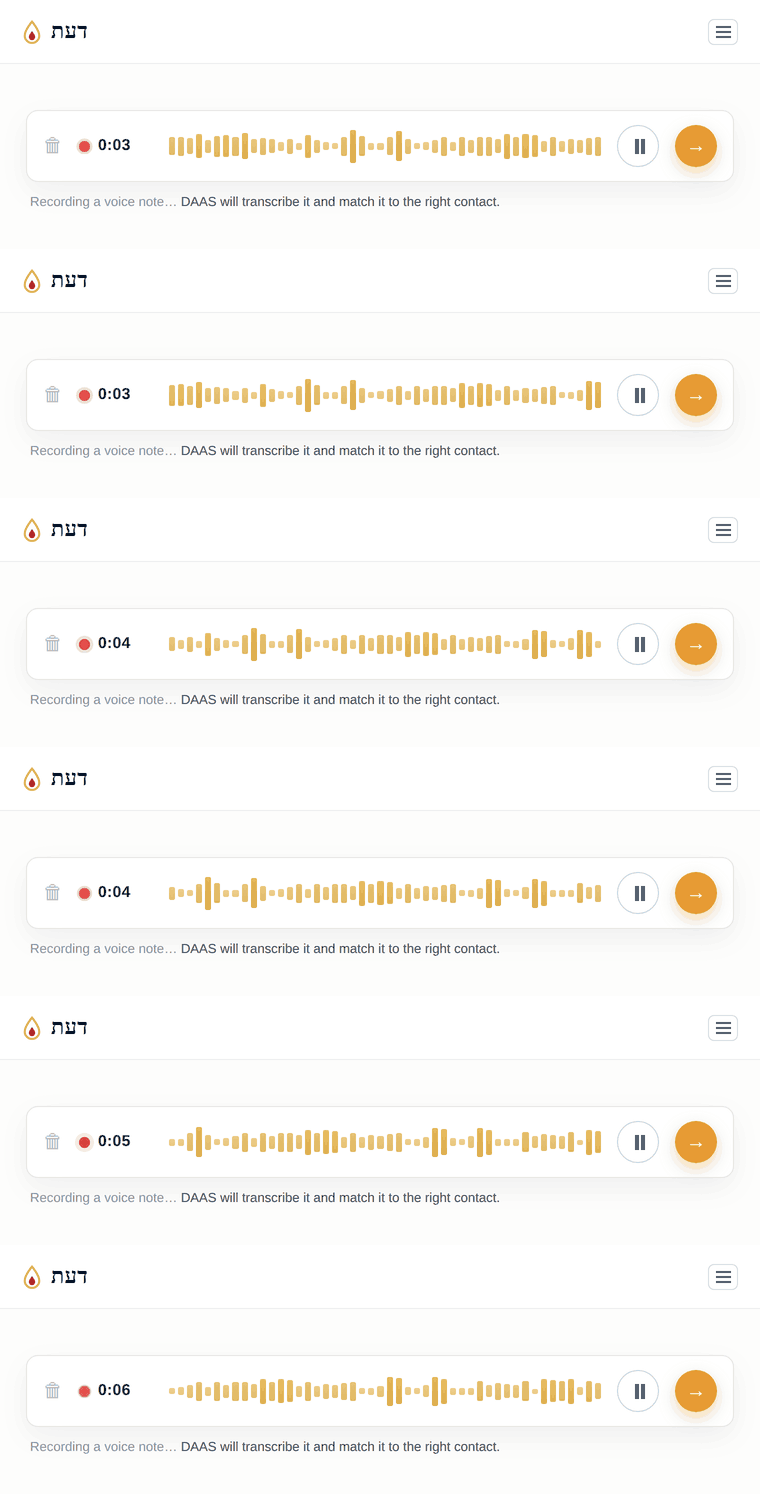
After a meeting, record a voice note. Take a picture of a note. Screenshot a conversation and share it to DAAS. Capture it while it is fresh.
DAAS is built to give each community control without asking anyone to become a database administrator.
Still have a question?
Email admin@daascrm.app ↗
DAAS is powered by Supabase, an online database that holds all the information in your CRM. Think of it as a set of Google Sheets designed to talk to one another. You create and own the Supabase account, and you have access to it whenever you need it. You do not need to work in the database: DAAS gives you the user-friendly interface for your day-to-day work. DAAS does not access or read your CRM data.
You create your own OpenAI API key, the technology behind ChatGPT. OpenAI bills you based on how much you use it. That key powers AI features such as Quick Capture, Research Chat, Profile Builder, and the DAAS Assistant, while the relationship engine runs on clear signals in your CRM without using AI.
Email is included with DAAS. It uses Amazon SES for secure sending, and we help you verify your own domain and configure the records. Your messages come from your own email address, with separate sending and tracking for your community.
Yes. DAAS is a full CRM: create donation, registration, and event forms, then embed them on your website. When someone signs up, their information is added to DAAS automatically. Donation payments are connected to your community’s Stripe setup so gifts can be recorded with the relationship.
Explore the fictional Chabad of Anytown. The demo uses the real interface and fictional data; changes reset when you refresh.
View demo ↗Tell us who you are and where DAAS would serve your community. We will be in touch with the next step.
Already using DAAS? Log in to your CRM. · Have an access code? Set up your workspace.